Busy Bee Grocer
One shopping list your whole household can edit — organized the way you actually walk the aisles, and still working when the signal isn't.
Open Busy Bee Grocer Free. No password to remember — just your email address.
One shopping list your whole household can edit — organized the way you actually walk the aisles, and still working when the signal isn't.
Open Busy Bee Grocer Free. No password to remember — just your email address.Most list apps assume perfect signal and a spare hand. Supermarkets offer neither.
Add something at home and it's on your partner's phone before they reach the parking lot. Everyone in the group sees the same list.
Your list is kept on your phone. Tick things off in the freezer aisle with no bars at all — it syncs itself when you're back outside.
Give items a category and a preferred store, then sort by either. The list reads in the order you walk, so you stop doubling back.
Most shared grocery list apps ask for a subscription once you add a second person to the list. Busy Bee Grocer doesn't — it's free for as many people as your household needs, with no account beyond an email address and nothing to install from an app store. If you're comparing shopping list apps, the two things worth checking are whether it works with no signal in the store, and whether the list actually follows the order you shop in. Busy Bee Grocer does both.
A stripped-back screen for the trip itself: a timer, what's left to find, and everything you've picked up moved quietly out of the way.
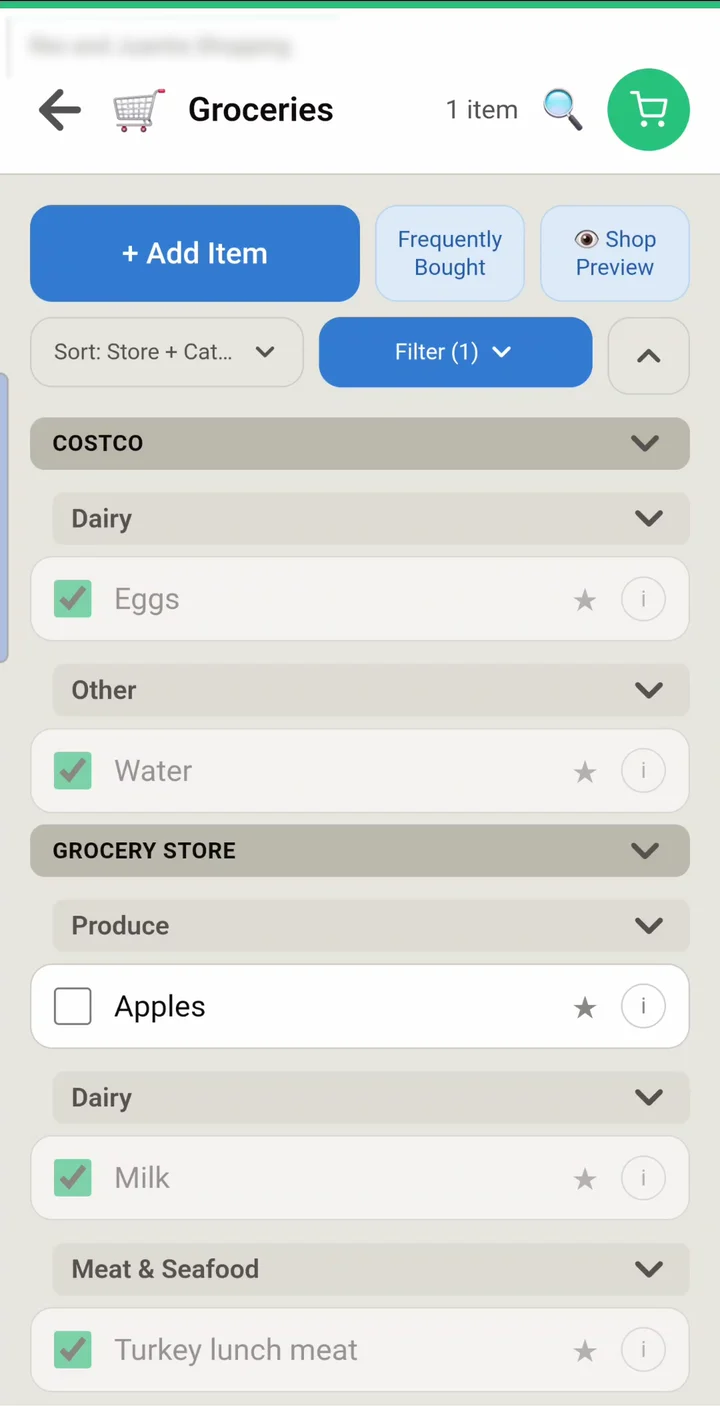
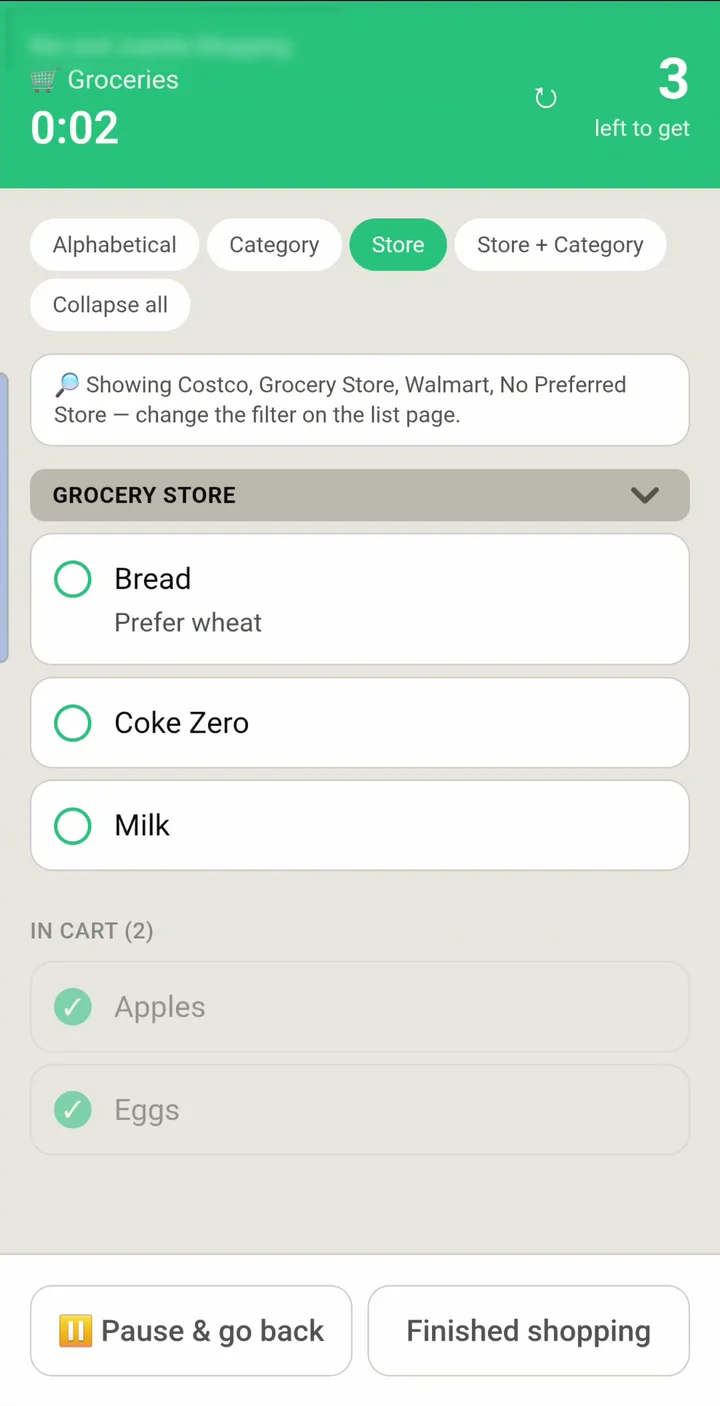
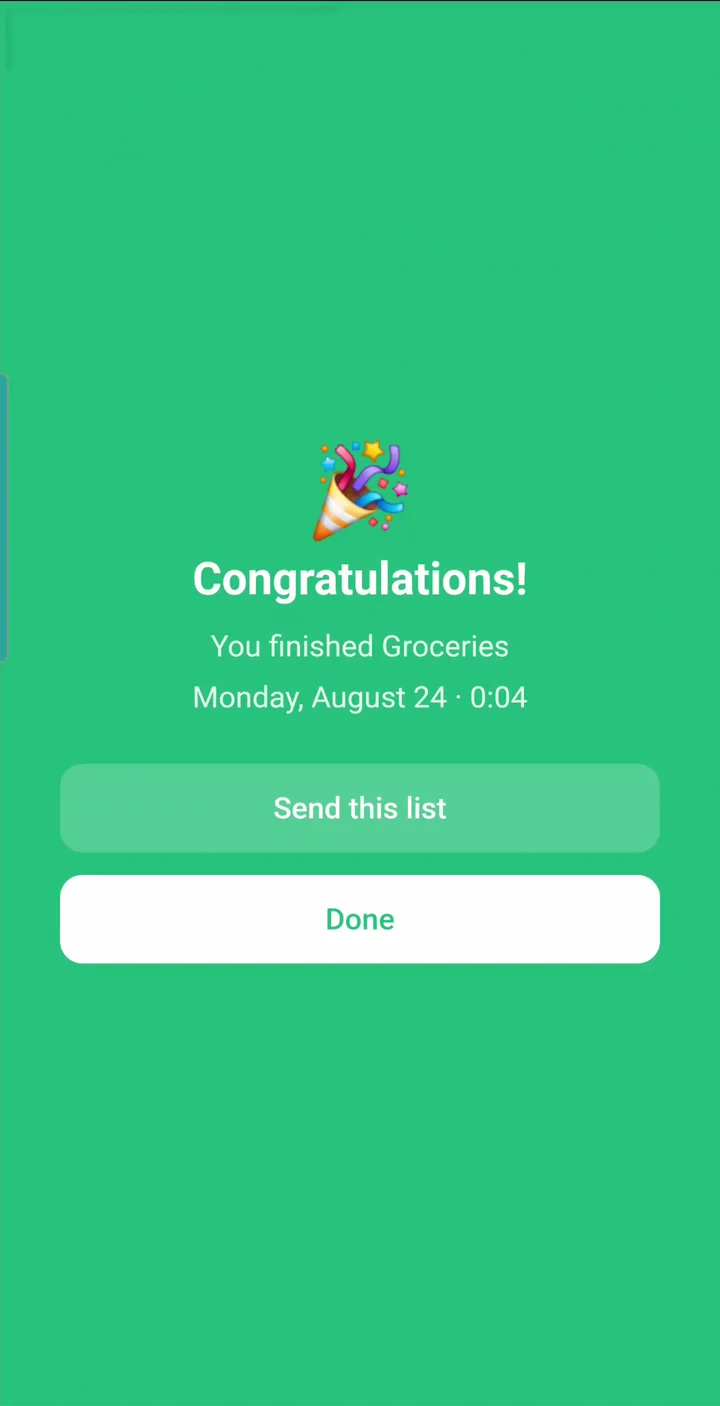
A minute and a half through the app as it's actually used — building a list, putting it in aisle order, and taking it round the shop. No account needed to watch.
There's no app store and nothing to download. Open it once and add it to your home screen, and it behaves like any other app.
Anyone in a group can invite someone else. It's worth knowing how that works, because Busy Bee Grocer never sends the email for you.
You send the invitation yourself. Entering an address creates the invite and opens your own email app with the message ready — but nothing leaves until you press send. On a phone with no email app set up, nothing will open at all.
The link is the dependable route. Every invite comes with a Copy invite link button. Text it, message it, hand it over however you like — it works the same as the email.
An invite only works for the address it was sent to. That's what stops a forwarded link letting a stranger into your lists. Send it to the address that person will actually sign in with.
"Waiting to be accepted" means created, not delivered. Someone sitting in that list may simply never have been sent anything. Copy the link and send it again — there's no need to invite them twice.
We do it this way on purpose. If the app sent invitations itself it could be used to mail strangers, and a message from an address you recognize lands in your inbox rather than a spam folder.
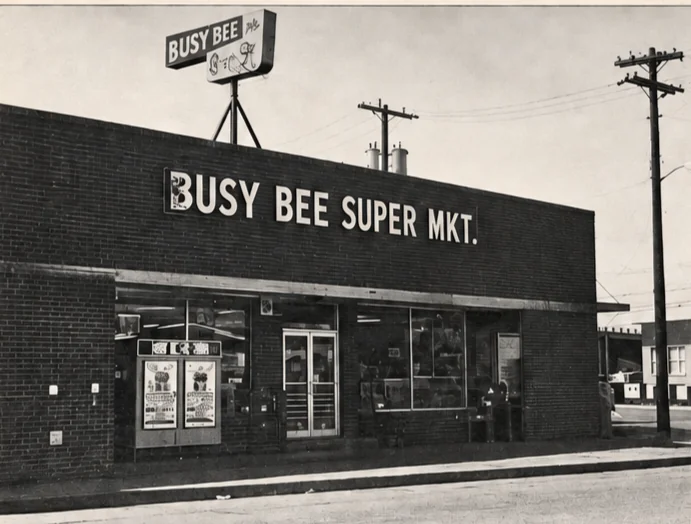
Carrollton, Texas · 1970
A grocery store on South Broadway with five butchers and a butcherette, Green Stamps double on Wednesday, and a Trailways bus stop by the register. My grandfather was its original owner. My father managed it, then bought it with my uncle.
“We try to please the customer as much as possible.” That's what he told the newspaper, and it's still the brief.
Read the story